 CostTalk CostTalk
CostTalk is a team-based project ledger and attendance tracker. Log expenses and income together, keep a per-person credit/debit balance automatically, track staff hours, and calculate salaries — synced across Android, Windows and Web.
🎉 Launch offer: the Web app is free for everyone for a limited time — no Premium needed. Just sign in and start.
One account, synced live — reach for your phone on site, the browser at your desk, or the full desktop app for heavy entry. Every feature works on every platform — these screens just show a few of them in their element.
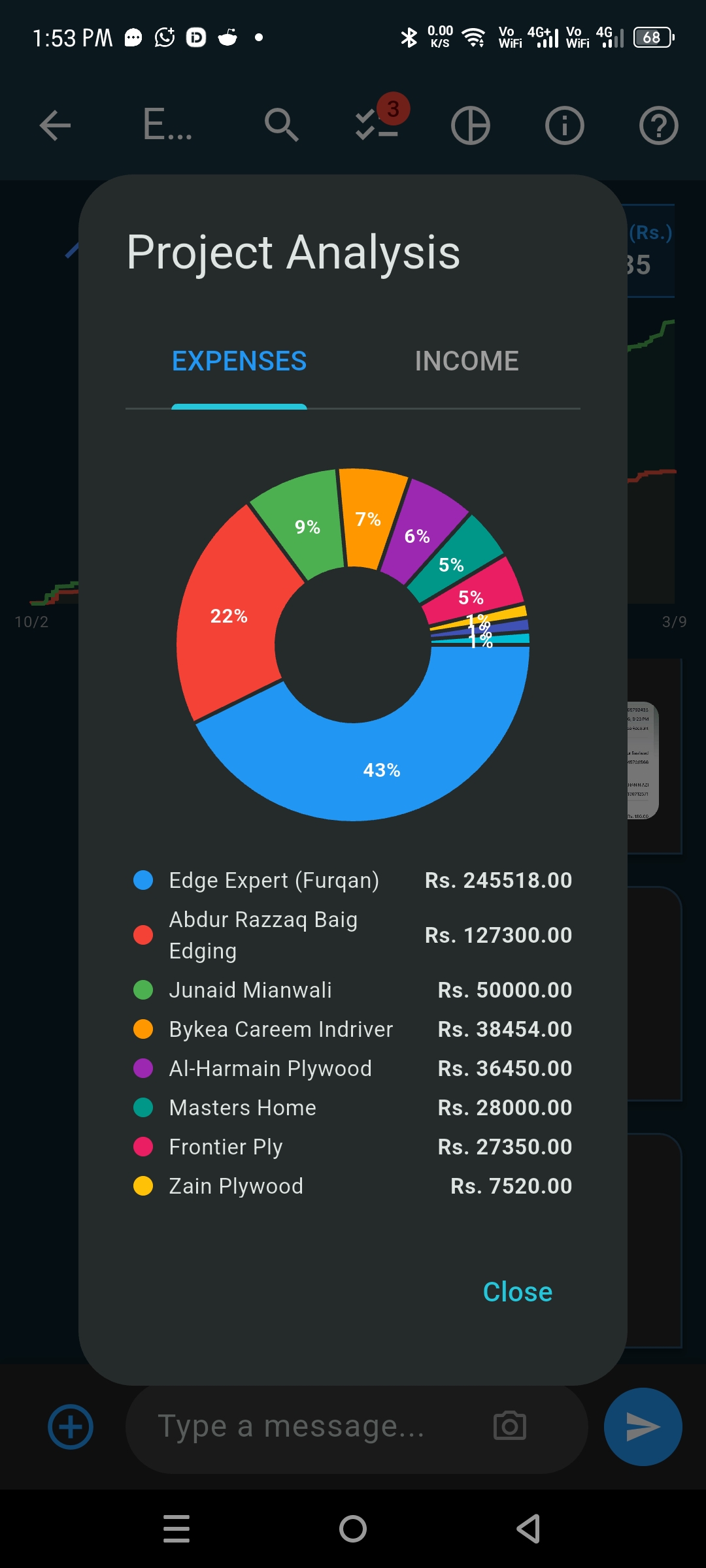
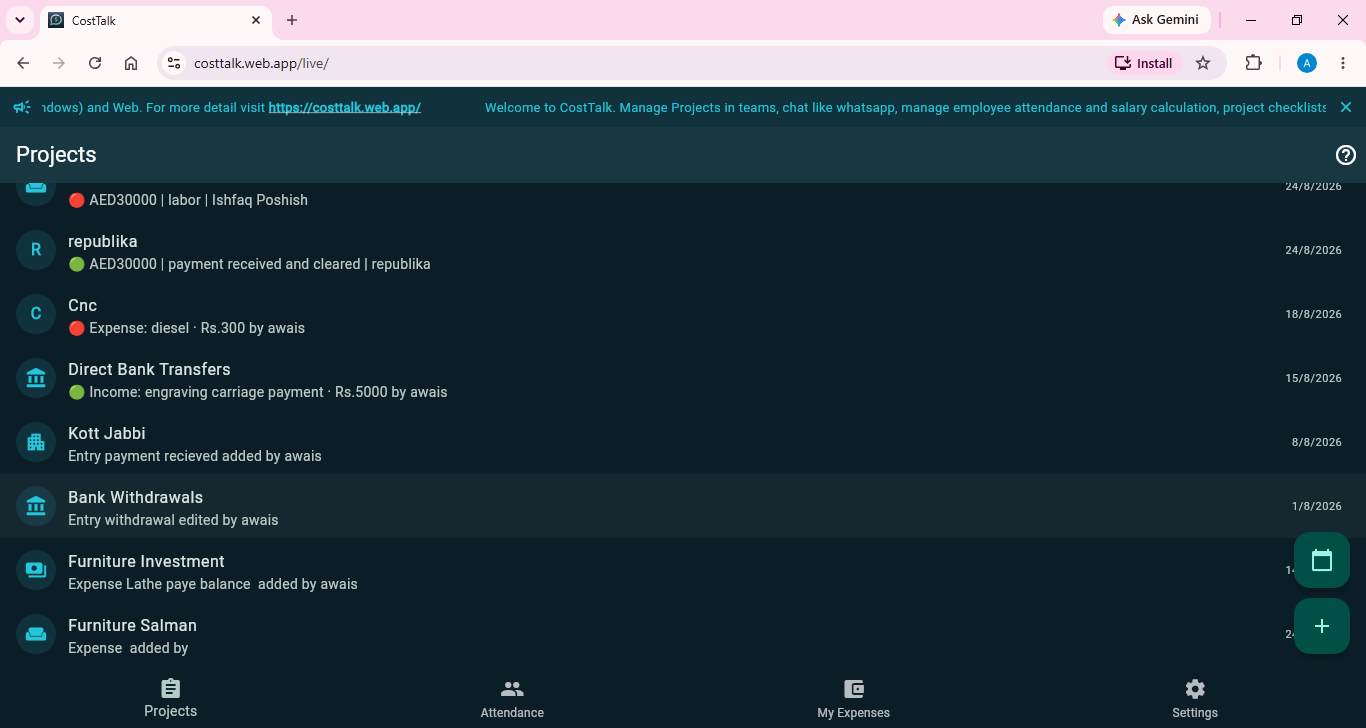
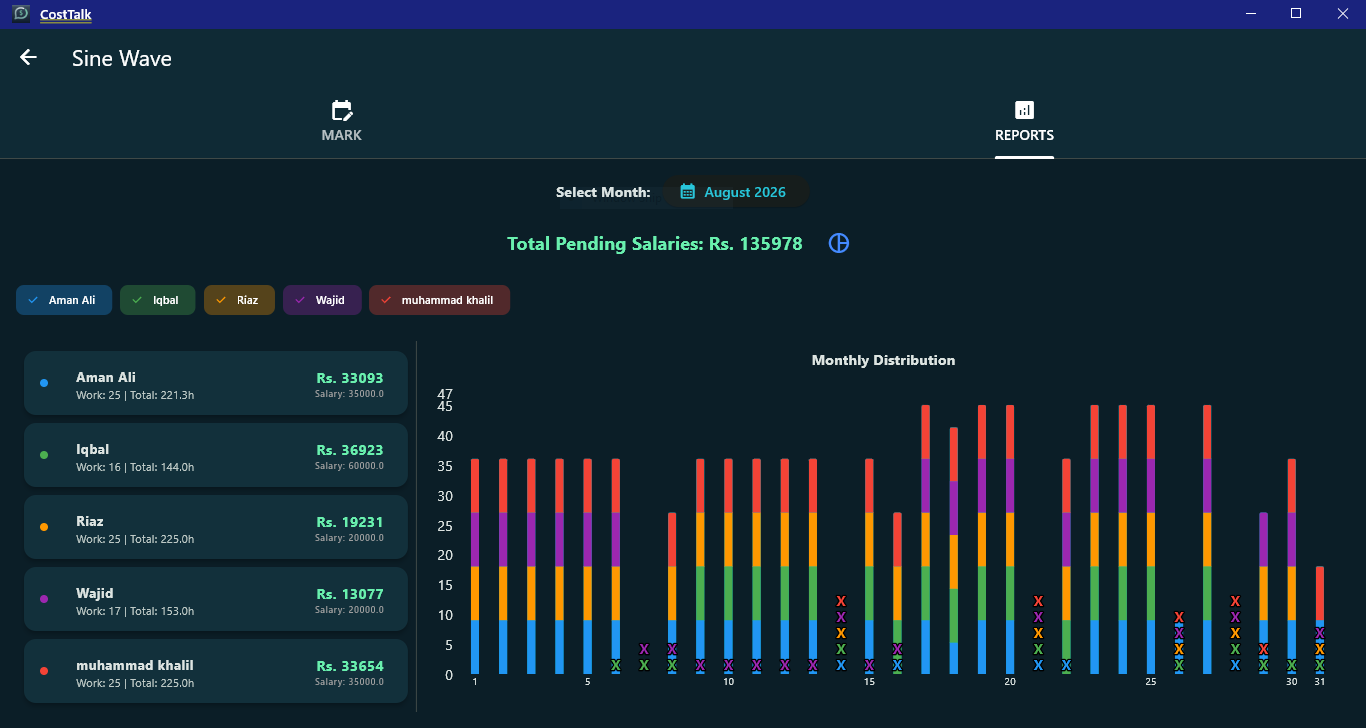
✳️ Analysis, ledgers, receipts, attendance & salaries, exports and every other feature are identical on Android, Windows and Web — the same app, the same data, just a different screen. And for a limited launch time, the Web app is open to everyone — no Premium required.
From a quick expense entry on your phone to a full monthly salary report on your desktop — it all stays in sync.
Create projects (groups), invite teammates as View, Chat or Admin, and work together in real time.
Log spending and incoming payments side by side, with quantity, supplier, notes and dates.
Every entry is automatically credited or debited to the person who logged it — so balances are always clear.
Attach receipt photos, stored privately in the cloud and viewable only by project members.
Track working hours against projects and auto-calculate monthly and per-project salaries.
Time-based spending charts, income vs. expense, and labour-cost breakdowns per project.
Save teammates to your in-app address book and add them to projects in a tap.
In My Expenses, search your own entries, a specific team member's, or across all projects — then export the filtered results to CSV or Excel with receipts linked as images.
Export any view — including a ZIP bundle with all receipt images for permanent backup.
Light, Dark, Sunset and Ocean themes, and dozens of currencies to choose from.
CostTalk doesn't just total the project — it tracks who put money in and who took money out, automatically, from every entry.
Set the monthly working-hour standard for each group, mark active employees, and log daily attendance against projects.
Spending and income are plotted over real time, not just entry order — so a busy day and a quiet week look different. Tap a point to jump straight to that entry, and long-press to set a custom date window. Reports add stacked attendance charts and labour-cost pies.
Sign in with email or Google. All data is stored on Google Firebase with encrypted transport (HTTPS/TLS). Project data — including receipts — is readable only by members of that project, and you can permanently delete your account and data anytime from Settings.
Sign in with email or Google to sync securely.
Invite teammates as View, Chat or Admin.
Add expenses & income; attach receipts.
Per-person credit/debit updates automatically.
Log hours, get salaries, export & analyse.
Get the full app on Android and Windows — and for a limited launch time, the Web app is open to everyone, free, no Premium required.
The full app on your phone, with offline sync and receipt capture.
Get on Google PlayA native desktop app for bigger screens and heavy data entry.
Get on Microsoft StoreAccess everything in the browser — no install, no Premium. Just sign in and go, free for the launch.
Open Web App